
Tips for Creating Your Own Embroidery Designs
So you've learned a few stitches, tried a few techniques and you're ready to start creating your own work. Or maybe you can't find a pattern for the idea that's in your head. Don't worry, you don't need to train at art school or have a natural ability to draw well - there are plenty of resources to help you out.
Stencils
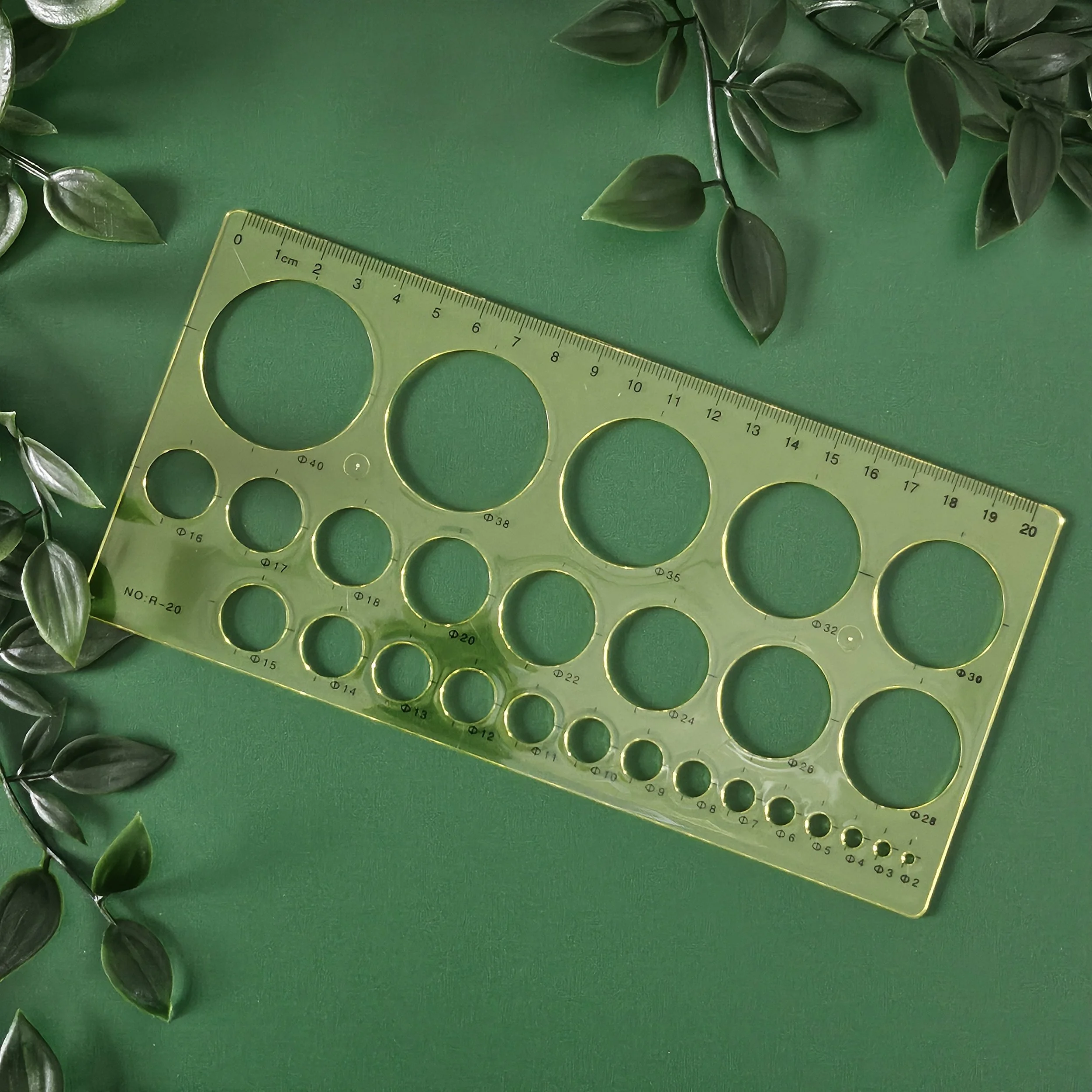
Stencils or templates are an excellent tool, whether you're designing on a sheet of paper or you want to draw directly onto the fabric. I use them all the time, especially for abstract pieces made up of squares and circles. But of course you can get letters and numbers, more complicated patterns, and whole books of themed stencils too!
Canva
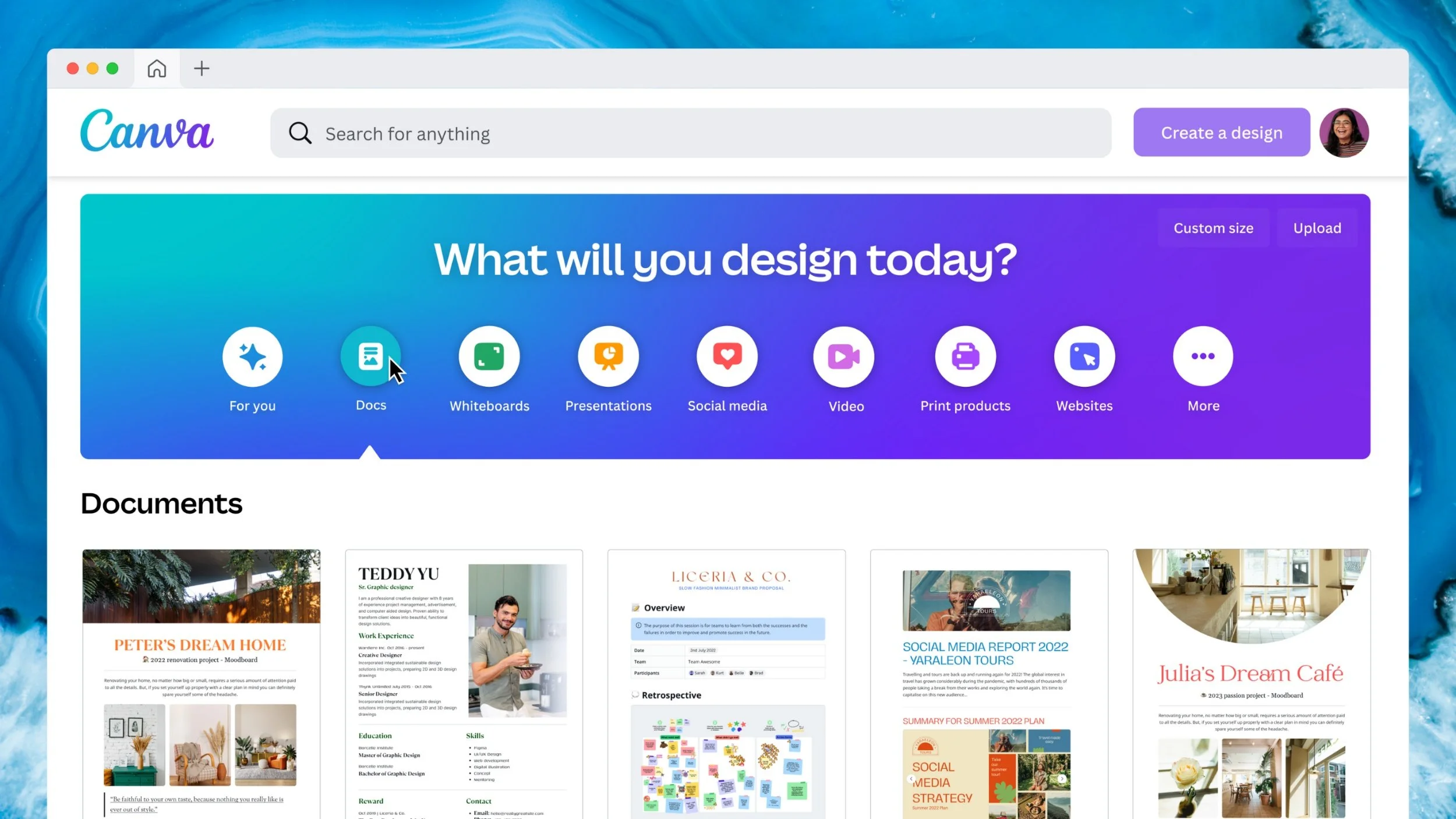
This is another excellent tool I use all the time. Canva is a graphic design platform, used to create visual content. I find it especially good for designing pieces with words or phrases. There's so many fonts, templates, images and other designs to choose from. You can move things around again and again before you decide on a layout. You can use it on a desktop or download the app. While I think the paid version is definitely worth it, you can do a lot on the free version too.
I like to start with a circle so I know exactly how it will look in the embroidery hoop. If you’re adding text, there’s all sorts of effects you can use - like making the letters curved or hollow. They also have some great colour palettes to give you inspiration.
Procreate
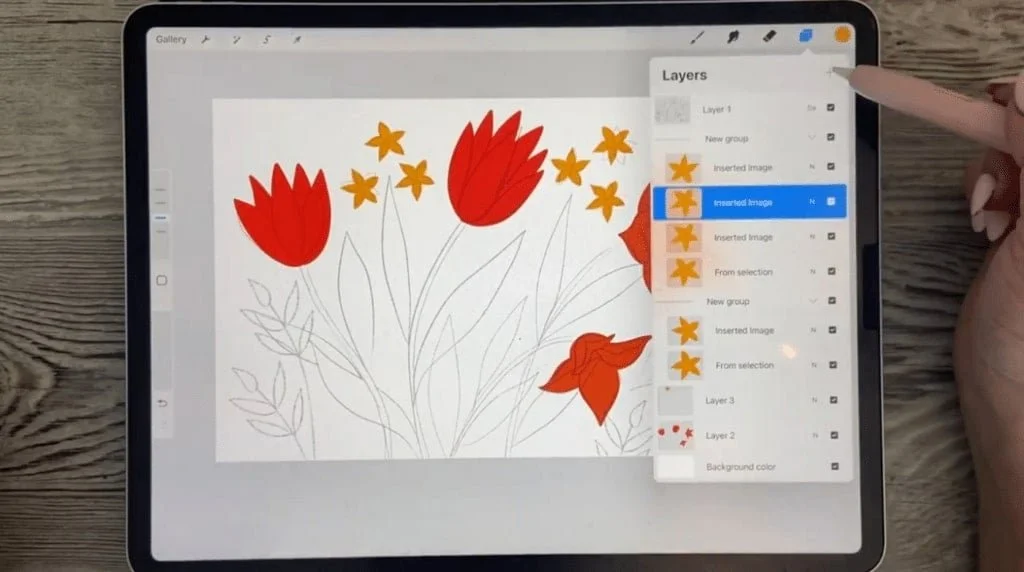
If you already have an iPad, I definitely recommend buying the Procreate app (for around €11). If you don't have an iPad this might become a very expensive option for you! Procreate is a digital illustration app. Using the apple pencil, you can sketch like you normally would on paper but then you can alter and manipulate what you've drawn. Where I used to have pages of sketches slightly altering a design over and over, I can now do it all in one app. Handy or what?
Choosing Colours
Selecting the colours for a new project can be a bit daunting. How do you know what looks good together? Well some of the tools I've already mentioned will help with that. But there are an infinite amount of colours, and a finite number of shades of embroidery thread. An excellent resource for this is Stitch Palettes. This website not only has colour palettes already there to inspire you, but you can key in a DMC thread number and generate a load of palettes to suit it.
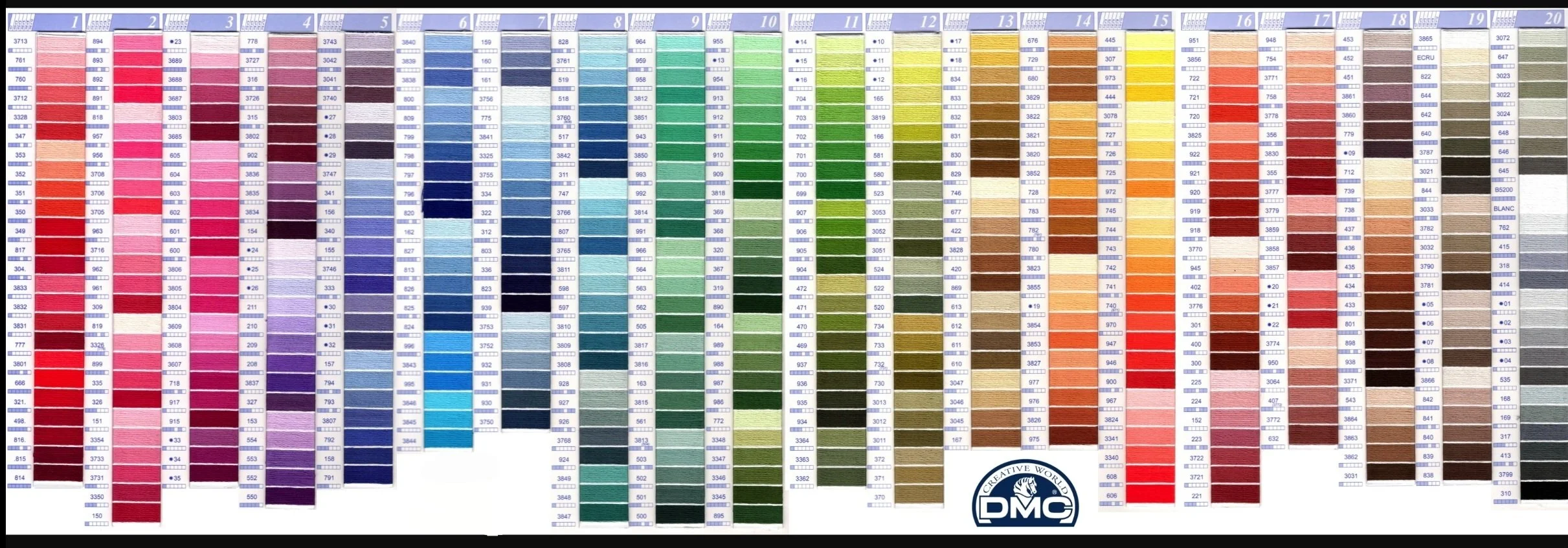
I also recommend having a DMC colour chart on hand to compare thread shades to your fabric or other real life objects. The one with real thread samples is best, but a card or even printable one will do.
Choosing Stitches
I hate to say it, but there’s no quick fix for this one! They best way to figure out which stitch to use, is to use it! Keep a scrap piece of fabric for sampling - try out different stitches, or the same stitch with a different number of strands, or different colours.
There are also some free resources to help you find new stitches. My favourite is the RSN Stitch Bank. They have hundreds of stitches along with instructions for how to do them. You can search by the technique, or the use of a stitch (such as ‘outline’ or ‘leaf’ stitches). Mary Corbet’s blog is also full of useful info on stitches!
Well, I hope that’s helped you get started on your design journey! Do you have any other resoures or tips I forgot to mention? Do let me know!
